

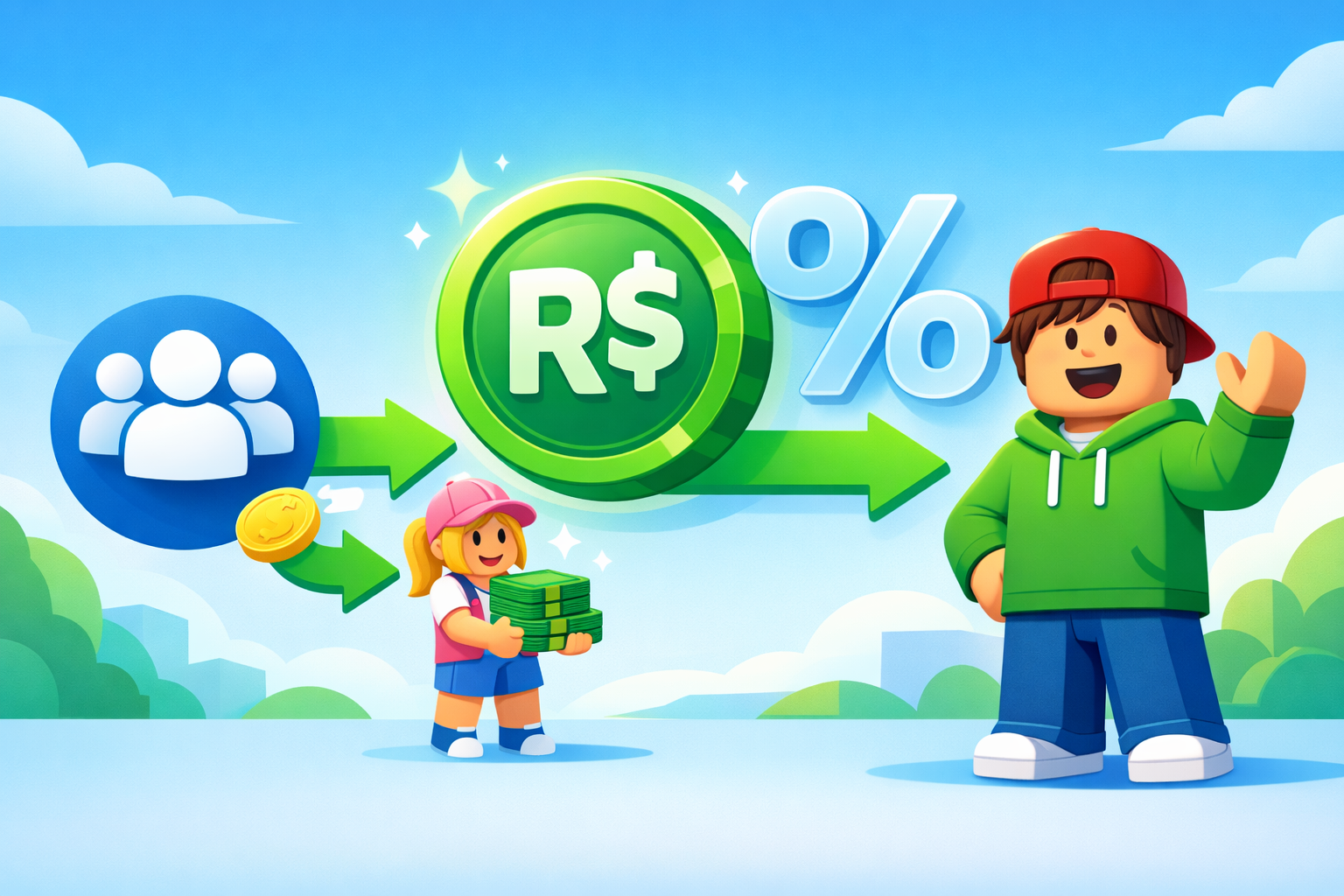
Roblox automatically takes a big cut—usually 30%—from most Robux transactions, and players often call this the “Roblox tax.” You can’t legally remove that built‑in fee, but you can structure your payments so you avoid unnecessary double taxes and keep more Robux in the hands of the person you’re trying to pay.
What “Roblox Tax” Actually Is
Whenever you sell something on Roblox—like a shirt, pants, game pass, or developer product—Roblox charges a mandatory 30% marketplace fee on that sale. So if you sell an item for 10 Robux, only 7 Robux are credited to your account; the other 3 Robux are removed by Roblox.
This fee applies to:
- Game passes
- Developer products
- Clothing and other user‑created items
- Most in‑experience purchases and donations
To understand (and show your readers) the math, you can link to calculators like the DeltaCalculator Roblox Tax Calculator and GGAID Robux Tax Calculator, which let you type in a price and see how much Robux you or the buyer will actually get after the 30% fee.
For a simple explanation of how that 30% works, you can also reference Understanding Roblox Tax: How Much Is It?.
Can You Completely Avoid Roblox Tax?
The short answer is no: you cannot fully remove or bypass the official 30% fee on marketplace sales or trades if you want to stay within Roblox’s rules. Every time a Robux‑based sale or eligible trade happens, Roblox’s systems automatically apply this cut to the transaction.
The Roblox Terms of Use clearly forbid using exploits, off‑site trades, or third‑party “0% tax” tricks to manipulate Robux flows. Doing that risks your account, your group, and even all the Robux you already have.
So the realistic, legit goal is not “0% tax” but “no extra tax”:
- Accept the one unavoidable 30% cut when Robux are first earned into your account or group
- Avoid stacking multiple taxable sales on top of each other
- Use official systems that do not re‑tax Robux that were already taxed once
If you want your article to show you’re following official rules, link directly to:
How Group Payouts Help Reduce Tax Loss
One of the most powerful legit methods to send Robux with less loss is using group payouts correctly. Players and developers often create a “fund group” to hold Robux, then pay each other through that group instead of making new taxable sales every time.
How Group Payouts Work
According to this DevForum answer, “Does group payouts have 30% tax to the user paid (NOT REVENUE)”, there is no tax taken when you pay someone using group payouts. The key is that:
- The tax happens when Robux enter the group (via item or game sales)
- When you later payout 100 Robux from the group, the receiver gets 100 Robux—no second 30% is removed
The flow looks like this:
- A player buys your game pass or shirt for 1,000 Robux.
- Roblox takes 30%, so 700 Robux move into your group funds.
- You decide to pay a developer or friend 700 Robux from the group.
- You use group payouts; they get the full 700 Robux, with no extra tax at that step.
So group payouts don’t “erase” the first 30%, but they prevent it from happening again on the same Robux.
You can link to a more advanced economics‑style breakdown in The Economic Guide to Group Game Payouts to show readers how big studios handle payouts.
Why You Can’t Add Funds to Groups Without Tax
A question a lot of players ask is: “Can I send Robux into my group without tax?” The answer is no, and that’s explained in Add Funds To Group Without Tax on the DevForum.
Right now, it is impossible to move Robux from your personal account into group funds without the 30% fee. If you own the group and want to put your own Robux into it, you still have to do it through a taxable sale (for example, buying a shirt from the group), which triggers the fee.
That thread also explains another common problem:
- Robux can be taxed once when earned from a sale
- Then effectively taxed again if you move them through another marketplace sale later
- In some multi‑step flows, the total real loss can feel closer to 50%+ across steps
Use this link in your article to reinforce that taxes are unavoidable when funds first move into groups: Add Funds To Group Without Tax – Developer Forum.
Method: Avoid Double Tax Using Fund Groups
The DevForum guide “How to avoid double tax ( and save R$ in the long term )” gives a clear strategy: use groups as a hub so the same Robux are taxed only once.
The author explains two common ways people pay:
- Direct group payout to a developer using group funds (only one tax when money enters group)
- Indirect payout via a shirt or t‑shirt sale, where the developer uploads an item and the client buys it (another 30% fee)
If you repeat method 2 multiple times, the same Robux can get hit by 30% again and again. For example:
- John commissions someone for 10,000 Robux via shirt sale
- John pays 10,000, the builder receives 7,000 after tax
- If the builder later pays someone else with another taxable sale, they also lose 30% again, which can drop a 10,000 payment to below 5,000 by the time it reaches the final person
The solution the article recommends is:
- Store earnings in a dedicated fund group
- Pay collaborators, scripters, builders, and GFX artists directly from group funds via payouts
- Only accept payments (from players or clients) in ways that bring Robux into the group once, not multiple times
You can quote and link that guide as a main resource: How to avoid double tax ( and save R$ in the long term ).
Understanding Marketplace Rounding and Pricing Strategy
The 30% fee looks simple, but rounding can make certain prices worse than others for developers. The DevForum thread Robux Tax Rounding discusses how some prices give you less than the expected 70% because of how Roblox rounds fractions.
Example from rounding discussions:
- If you set a price where 70% becomes a non‑whole number, results may round down, effectively giving you slightly less than 70% of the listed price.
- Smart developers experiment with prices so that the post‑tax amount is an exact whole Robux, or as close as possible.
If you’re writing for devs, you can combine this with a more modern breakdown like Understanding Roblox’s 30% Marketplace Fee, which explicitly shows examples such as 10 Robux → 7 Robux received.
To help your readers, remind them that tools like DeltaCalculator Roblox Tax Calculator are ideal for choosing prices that hit target earnings after tax.
Trading System: Fees on Robux in Trades
Roblox also applies a fee when Robux are included in Limited item trades through its official Trading System. The full rules are explained in the Trading System section on Roblox Support.
Key points to clearly mention in your article:
- Only Premium members are allowed to use the trading system
- Users can trade Limited and Limited U items and may add Robux to either side of a trade
- If Robux are included, Roblox takes a 30% fee from the Robux amount after the trade is completed
- Trades that involve items only do not trigger this Robux fee, though item values still depend on market demand
In short, there is no method to include Robux in a trade without paying the fee. If you want to reduce losses, the most practical approach is to avoid frequent trades that include Robux unless absolutely necessary.
Why Roblox Uses a 30% Fee
Players often wonder why Roblox doesn’t just remove the “tax.” A Reddit discussion, “Why does ROBLOX have a 30% marketplace fee?”, explains the basic economic idea.
Key ideas from that discussion:
- The fee sinks Robux out of the economy; some Robux disappear at each player‑to‑player transaction
- This keeps the overall Robux supply in check and helps maintain the value of Robux over time
- The fee is also a core way Roblox earns money and funds platform operations
You don’t have to agree with it, but it explains why Roblox is very unlikely to support true 0% Robux transfers any time soon.
Safe vs. Unsafe Ways to Send Robux
Because players hate losing 30%, there are tons of “free Robux” and “0% tax” offers floating around. Many of these are scams or break Roblox rules; they can get your account banned or your items stolen.
You should clearly warn readers to avoid:
- Sites that ask for their Roblox login details
- People offering to “hold” Robux or move Robux through “secret methods”
- Off‑platform deals where they pay real money via PayPal or similar for in‑game Robux outside official systems
Point them back to the official rules using Roblox Terms of Use and DevForum discussions like Terms of Use inquiry – Buying Robux actually allowed? so they understand what’s allowed and what’s risky.
Practical Tips to Keep More Robux When Paying Others
- Use a main fund group
- Earn Robux into a dedicated group instead of your personal account where possible
- Store all project earnings there and pay everyone via group payouts
- Always favor group payouts over clothing or t‑shirt payments
- Paying via t‑shirt sales adds another 30% marketplace tax
- Group payouts send the Robux directly with no extra payout tax
- Plan prices with calculators
- Use DeltaCalculator Roblox Tax Calculator and GGAID Robux Tax Calculator to find the price that yields the exact post‑tax amount you want
- Avoid unnecessary Robux‑in‑trade deals
- Stay inside official systems
- Only use methods documented on Roblox’s own help pages, like the Trading System and group payouts
- Re‑read the Terms of Use before trying anything new
People also read: WEBTOON Offers Free Xbox Game Pass in Surprise Gaming Deal